
Noticed your reward value dropping on a Burning Rewards offer? Here's what to know before it drops further.
Why did your reward amount go down?
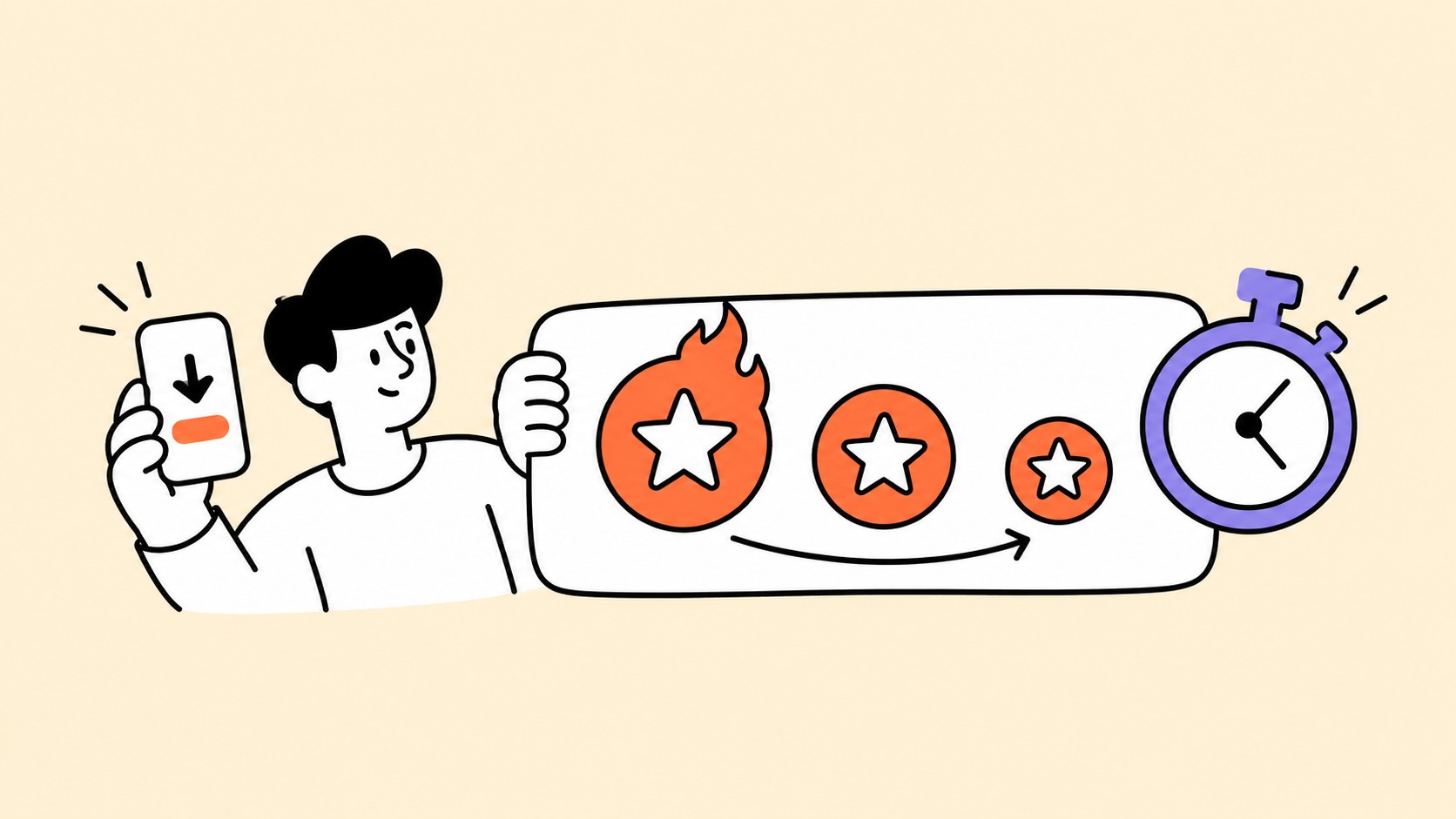
With Burning Rewards, the reward value goes down gradually over time after you install the game. Your reward starts at its maximum value when you install, so getting started sooner gives you the chance to earn the highest possible reward.
You can see the current reward value and a countdown timer, so there are no surprises about when the value may change.
How often does the reward go down, and by how much?
The reward goes down gradually over time rather than all at once. The timing and amount of each reduction can vary depending on the offer.
The offer's countdown timer shows when the next reduction will happen, so you can keep track of the reward value as you play.
When does the countdown start?
The countdown starts once the game is installed. Before installation, you see the offer's maximum possible reward. After the install is detected, the countdown begins and shows how much time is left before the reward value changes.
What happens once the reward reaches $0?
If the reward reaches $0 before you complete the required task, the countdown stops and the reward moves to the Expired Rewards section of the offer. It no longer counts toward your Total Available Rewards, but you can still view it there for reference.
Can you keep more of the reward value?
Yes. Start and complete the required task as soon as you can after installing. The sooner you finish, the more of the original reward value you keep.
Questions about Burning Rewards?
If you have questions about Burning Rewards or a reward you've earned, contact EarnStar Support at [email protected].


Start early, keep more of the reward
Join EarnStar, install a Burning Rewards game and finish the task early to keep the highest reward value.