
You can make money by watching videos, but the catch is the size of it. Realistically it's a few cents to a couple of dollars an hour, grocery or gas money, not a full income.
We tested nine apps against their own payout terms, checking what each really pays, the cash-out floor, and how you get the money out. EarnStar comes first for readers who want real cash from their downtime, then the video and ad reward apps.
What you earn varies by app, country, and time spent.
In short
- You can earn real money watching videos and ads, but it's pocket money, a few cents to a dollar or two an hour, never a full income.
- Reward apps pay only for the clips, ads, and offer videos served inside the app, never for the YouTube or TikTok feed you'd open anyway.
- Cash-out floors run from £1 (WeAre8, UK) up to $20 on some first payouts, and a lower floor means a faster first cash-out.
- EarnStar leads our picks for paying real cash to play games, a faster-feeling alternative to watching clips. Its floor is $20 for the first withdrawal, then $1 after.
Can you really make money by watching videos?
The money is real. Every legit app pays for branded clips, ad units, and offer-wall videos served inside the app, and the YouTube or TikTok feed you'd open anyway earns nothing.
Most are get-paid-to platforms, where video sits alongside surveys, games, and offers. Two numbers show what to expect before you download anything.
- Swagbucks alone has paid members more than $500 million over the years, so the payouts are real.
- Per task, the rate is tiny, and reviewing a short clip pays only a few cents at a time.
You also can't earn from your own YouTube or TikTok posts through these apps. Monetizing your own videos is a separate creator path, not watch-to-earn.
How much can you realistically earn per hour or per month?
Most people clear well under a dollar or two an hour watching videos or ads. Over a month of casual use, that's coffee money, not rent.
The pay is set per task, and video tasks sit at the bottom. A finished WeAre8 ad returns about 8p in Save the Student's testing, and short review clips pay a few cents apiece.
Ignore the "earn $100 a day" hooks in app ads. No watch-to-earn app pays anywhere near that, and treating it as a full income only sets you up for disappointment.
- InboxDollars holds your first cash-out until a $15 balance, a week or two of daily clips.
- Broader reward apps move faster, since they fold in surveys, games, and search worth more than video alone.
- A cash-out floor decides how long you wait before the money is yours, from $5 on the lowest apps up to $20 on the highest.
- Watch 15 minutes a day for a month and the total lands around a few dollars, nowhere near the $100 a day some ads promise.
If video money feels too slow, other gig apps that pay same day put cash in your account faster.
How we picked and tested these apps
Every app here was checked against its own payout page first, with independent testing as the cross-check where an app says little about itself. It's the same tested approach behind our other honest reviews, like whether Bingo Cash is worth it.
For each one, we recorded what it pays you for, the cash-out floor, the payout method, and whether it serves US or UK users. Each was then screened against the FTC's rule that legit paid work never charges you to join.
Payout thresholds and rates change, so the figures here were current at the test date. Where a cross-check was needed, Save the Student's independent testing was the benchmark.
- Apps qualify by paying for watching video content, meaning branded clips, ad units, and offer-wall videos.
- Broader reward apps earn a spot by folding video into surveys and games, which pays more than clips alone.
- We left out anything that pays only in in-game currency or points you can't actually withdraw.
The 9 apps that pay you to watch videos, compared
All nine apps below pay real money, with floors as low as £1 in the UK and $5 in the US. EarnStar is the pick for readers who want more than pennies for their spare time.
| # | App | What it pays for | Cash-out floor | Payout method | US / UK |
|---|---|---|---|---|---|
| 1 | EarnStar | Playing mobile games, plus surveys and tasks | $20, then $1 | PayPal, gift cards | US and UK |
| 2 | HeyCash | Surveys and games | $5 | PayPal, gift cards | US and UK |
| 3 | Swagbucks | Offers, shopping, and search (no Watch feature) | Varies by reward | PayPal, gift cards | US and UK |
| 4 | InboxDollars | Paid videos and tasks | $15 first, $10 after | PayPal, gift card, Visa | US (UK uses InboxPounds) |
| 5 | Freecash | Offer-wall videos and tasks | $5 to $20 by region | PayPal, gift cards | US and UK |
| 6 | WeAre8 | Watching short ads | £1 | PayPal or charity | UK |
| 7 | InboxPounds | Watching videos and tasks | Varies | Cash, gift cards | UK |
| 8 | Slicethepie | Reviewing music and product clips | $10 | PayPal | US and UK |
| 9 | PrizeRebel | Video offers, surveys, and tasks | $5 | PayPal, gift cards | US and UK |
Read the cash-out column first. A low floor like $5 gets money in your pocket sooner. A higher first payout, like $20, takes longer to reach, though some apps drop the floor after that first cash-out.
1. EarnStar, real cash for playing games you would already play
EarnStar pays real, withdrawable cash for playing mobile games, with surveys and tasks as a second way to earn. Your first withdrawal is at $20, then the floor drops to $1, paid through PayPal or gift cards.
It's built games-first, so the main way to earn is playing rather than watching. That suits anyone who finds a few cents an hour of video too slow and would rather turn gaming time into cash.
The app is free to use and never asks you to pay to join. That earn-not-pay setup is the first thing the FTC tells you to check.
- The first cash-out is at $20, then the floor drops to $1, which is competitive with the lowest here.
- The catalog runs deep on mobile games, with surveys and tasks alongside.
- It works on iOS, Android, and the web, so you can switch between phone and laptop.
- Payouts move quickly once you request.
It leads this list because it pays real cash for games you'd open anyway, a faster-feeling alternative to watching clips for pennies. Start earning with EarnStar to see what your spare time is worth.
2. HeyCash, real cash from surveys and quick games
HeyCash pays cash for taking surveys and playing quick games, with fresh tasks each day. You withdraw through PayPal or from hundreds of gift cards, with a $5 floor.
Like EarnStar, it's a mixed-earning app rather than a pure watch-videos one. It earns a place here because a spread of tasks pays better than pennies-per-clip video apps.
The steady task rhythm is the real draw. A balance that grows each session reaches the cash-out floor sooner than one trickling in from video alone.
- Surveys and quick games run side by side, so a slow survey day still leaves games to earn from.
- Cash-out covers PayPal plus a choice of hundreds of gift cards, spendable where you already shop.
- There's no watch-only grind here, because the task mix does the earning rather than a single ad feed.
3. Swagbucks, points for offers and search, not a Watch app anymore
Swagbucks pays PayPal cash and gift cards in points called SB, but its dedicated Watch video feature has been discontinued, as Save the Student's testing confirms. It's no longer a true watch-videos app.
The rate is 100 SB to about $1, and members have been paid more than $500 million over the years, per Swagbucks' own reporting. That track record makes it one of the most established names here.
- You pick up SB from surveys, games, shopping, offers, and daily polls.
- Redeem the balance for PayPal cash or gift cards to major retailers.
- A $5 gift card works out to around 500 SB, so a small balance takes patience before it covers a reward.
- The dedicated Watch tab is gone, so any SB from video now comes through offer-wall clips, not a standalone feed.
Video earning now runs through the offer wall and search rather than a standalone tab. You collect SB across everyday activities, then cash out when the balance is worth it.
It works best run alongside a faster earner, not on its own.
4. InboxDollars, cash for its paid-videos section
InboxDollars pays you in real dollars, not points, for watching its paid videos and doing small tasks. A $2 balance reads as $2, with no points-to-cash conversion to decode.
Your balance shows in actual dollars from the start, unlike the points-based apps here. It runs a dedicated paid-videos section where you earn cash for the clips it serves.
- Your first payout needs a $15 balance per its help pages, and later requests start at $10.
- The legal payment terms still list $30, so go by the working $15 and check your balance before requesting.
- At pennies per clip, that first $15 takes a week or two of daily watching, longer than the $5 floors elsewhere on this list.
- Video sits next to surveys, offers, and cash-back shopping, which build a balance faster than clips on their own.
Cash comes by PayPal, gift card, or Visa prepaid card, so the money lands somewhere you can actually spend it. InboxDollars serves US users, so UK readers earn through its sibling InboxPounds instead.
5. Freecash, offer-wall videos with PayPal cash-out
Freecash lets you earn by completing video and offer tasks, then cash out to PayPal or gift cards. The videos are the lightest-paying corner of a much bigger offer wall.
The offer wall is the heart of it, mixing short video clips with app trials, quizzes, and sign-ups. The higher-value jobs ask for more effort, like installing an app and reaching a level, but they clear far more than a clip.
- App trials and quiz offers pay far more than the video tasks.
- Your first cash-out floor runs from $5 to $20 depending on your region, then drops to $5 for PayPal after that.
For most people the smart move is to hunt the better offers rather than watch passively. The clips work best as filler between the app trials and surveys that carry the real money.
6. WeAre8, watch short ads for pennies in the UK
WeAre8 is a UK app that pays you a few pence for watching a short ad and answering a quick question. The clip has to run to the end, and the question keeps you honest about actually watching.
Your earnings collect in an in-app 8Wallet, and the payout scales with the length of each clip. From there you withdraw to PayPal or donate to a charity. WeAre8 says half of its ad revenue goes straight back to users, with a further share to charities, carbon offsetting, and a creator fund.
- Save the Student's testing clocked about 8p per ad and a £1 PayPal minimum.
- A single pound takes a dozen or so clips, so the money is genuinely spare change.
- Longer ads pay a little more, since the amount tracks the length of each clip you finish.
The charity option sets it apart from the other apps here, letting you send earnings straight to a cause instead of your own PayPal.
7. InboxPounds, the UK cousin of InboxDollars
InboxPounds is the UK sibling of InboxDollars, and it pays cash for watching videos and doing simple tasks.
It stays a small earner, so treat it as loose change rather than a main hustle.
- Earning covers paid videos, surveys, and small daily tasks, all priced in pounds.
- Cash-out arrives as real money or a gift card once you clear the minimum.
- The totals stay modest, so it works best as a top-up beside a faster app.
For UK readers who can't use InboxDollars, it's the closest match, with the same watch-and-task mix priced in pounds.
8. Slicethepie, get paid to review and watch music and product clips
Slicethepie pays you to watch and review short music and product clips, with a $10 PayPal minimum and very small payouts per review. It's one of the older names in paid reviewing, built around new-music feedback rather than video ads.
You watch or listen to a clip, then rate it and leave a short written review to get paid. Each review is quick, but the pay per review is low.
- Withdrawals are PayPal only, without the gift-card options you get elsewhere.
- At a few cents per review, reaching that $10 floor takes a long stretch of reviewing.
If you enjoy giving feedback on new music, it's one of several platforms that let you review products. For anyone chasing quick cash, the slow climb makes it a hard sell.
9. PrizeRebel, points to PayPal from $5
PrizeRebel pays points for video offers, surveys, and tasks, cashed out from a $5 PayPal minimum.
That $5 floor is one of the lowest here, below the $15 InboxDollars asks for a first payout.
- Points redeem for PayPal cash or your pick of gift cards.
- Video offers sit alongside surveys and quick tasks, so it isn't video-only.
- Reaching $5 can take a handful of offers, quicker than the week or more some video-only apps need.
For a first cash-out without weeks of grinding, it's one of the friendlier options on this list. The surveys turn into the steadier earner once the easy video offers run out, so don't expect video alone to carry you to $5.
How to avoid watch-to-earn scams
Most watch-to-earn apps are legit but low-paying. The real risk comes from fake earn-money offers built to look like them.
The FTC rule that filters out the scams
The single rule that catches most scams is never paying money to earn money.
A common trap is the task scam. Fraudsters pay you $5 to $20 to build trust, then ask you to deposit your own money to unlock earnings that never arrive.
- Never pay a fee, a deposit, or buy anything to start earning.
- Search the app's name alongside review, scam, or complaint before you sign up.
- Walk away the moment anyone asks you to send money to get paid.
Legit paid work never charges you to get paid, which filters out most fakes on its own. For how we vet apps like these, read our honest Pocket7Games review or our EarnStar safety review.
The "$45 an hour to watch Netflix" myth
No app pays $45 an hour to watch Netflix.
That viral number traces back to occasional one-off Netflix tagger gigs, short contractor roles that categorize and tag titles, not a repeatable way to earn from watching movies. Those were competitive, limited positions, not a casual watch-for-cash scheme anyone could join.
The claim spreads because it sounds plausible and pays well. Treat any app promising Netflix-level pay for watching as a red flag, since the genuine rates here stay firmly in pennies-an-hour territory.
Do these apps work in the UK?
Several pay UK users. WeAre8 and InboxPounds are built for the UK market, and Swagbucks, Freecash, PrizeRebel, and Slicethepie pay UK users too.
InboxDollars is the one exception, since it serves US users only. UK readers use its sibling InboxPounds instead.
- WeAre8 drops a few pence per ad into an 8Wallet, then out to PayPal from £1 or to a charity you choose.
- With InboxPounds, the earning stays in pounds for watching videos and simple tasks, though the totals stay small.
- Swagbucks, Freecash, and PrizeRebel keep the same low PayPal floors they use in the US, while Slicethepie's $10 minimum works out to around £8.
For UK users, WeAre8 and InboxPounds are the natural starting points, since they're built for the market. EarnStar is available to UK players too, on web, iOS, and Android.
Currency is the main watch-out. WeAre8 and InboxPounds pay in pounds, while the US apps pay in dollars you may need to convert.
How to earn more from watch-to-earn apps
You earn more by stacking apps, doing the higher-value offer and survey tasks alongside video, and cashing out the moment you hit each floor.
- Run two or three apps at once so idle time always earns something.
- Prioritize the offer and survey tasks that pay more than pennies-per-video.
- Cash out as soon as you reach each app's floor, rather than letting a balance sit.
- Watch during time you'd waste anyway, like a commute or an ad break.
- Keep a separate email for offer sign-ups so tasks stay organized and your main inbox stays clean.
Cash-out speed matters more than it seems. An app with a $5 floor pays out sooner than one with a $20 floor, so favor the low bars when you choose where to spend your time.
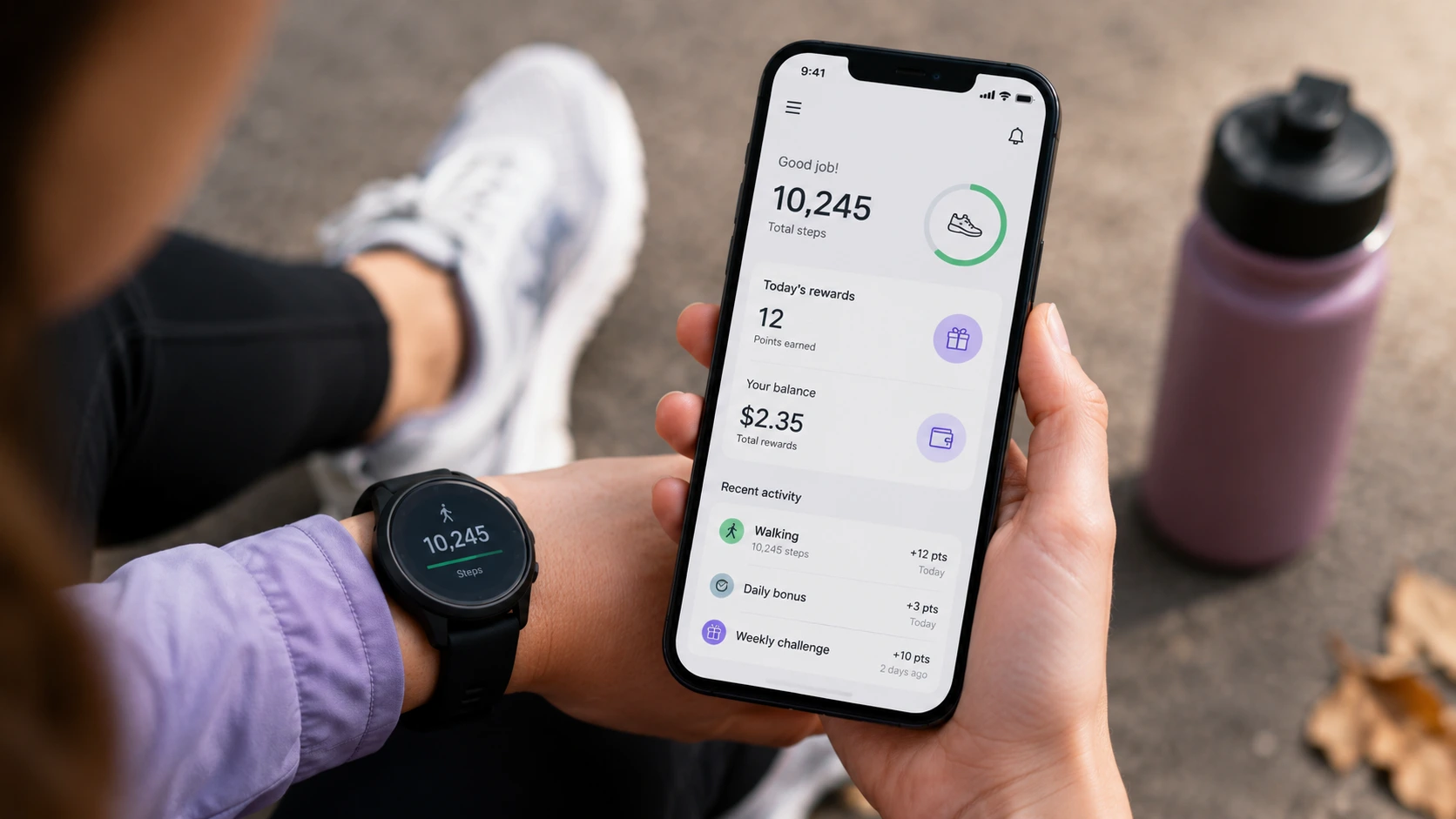
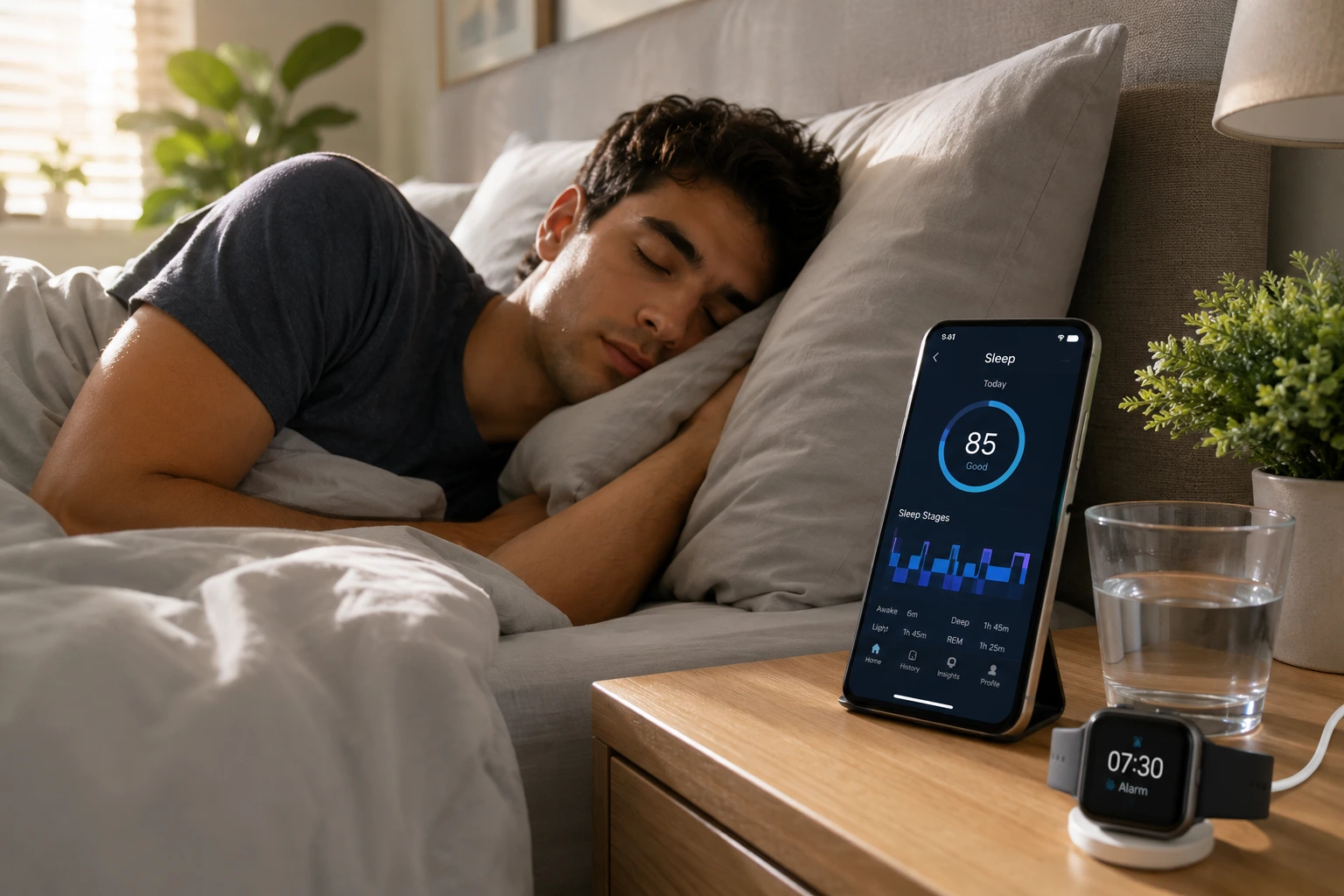
That same spare-time logic powers apps that pay you to walk and apps that reward you for sleeping. If you want a concrete target, here's how to earn your first $50 on EarnStar.
Start putting your spare screen time to work
Watching videos won't replace a paycheck. The right apps still turn idle screen time into real cash you can actually withdraw.
The trick is picking apps that cash out at a low floor, then stacking a faster earner on top. EarnStar sits at that faster end, paying real cash for games you'd already play rather than pennies for clips.
Pick one app, hit its cash-out floor once, and you'll know quickly whether the routine is worth your time. Favor a low floor for your first app so that first payout lands in days, not weeks.
FAQs


Turn your spare screen time into real cash
EarnStar pays real, withdrawable cash for playing mobile games you'd already play, with a low-threshold cash-out through PayPal or gift cards and no fees to join.